

Guide
1
Add a custom domain to your Resend account
By default, you can only send emails to your own email address.To send emails to other email addresses:
- Add a custom domain to your Resend account.
- Add the custom domain to the
fromfield in theresendfunction in Replit (or ask the chat to update these fields).
2
Add your Resend API key and from address
To use Resend with Replit, you’ll need to add a Resend API key, which you can create in the Resend Dashboard. Do not share your API key with others or expose it in the browser or other client-side code.The from address is the email address that will be used to send emails. Use your custom domain you added in step 1 here (e.g., 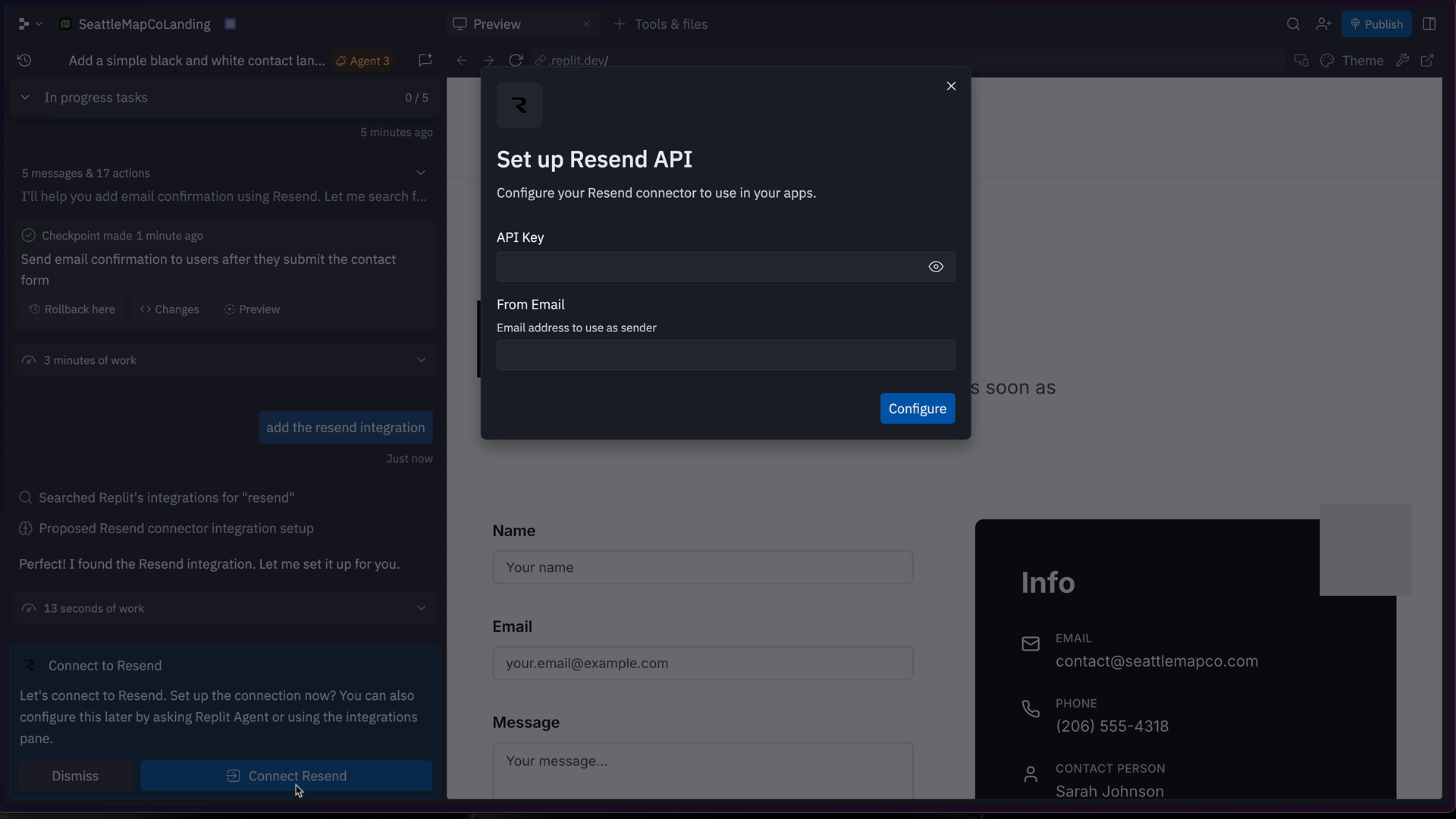
hello@example.com).Replit tracks the details of your Resend integration in the Integrations
page.